HEIF to JPG – Convert HEIC iPhone Photos Free
HEIF (the .heic files your iPhone saves) stores the same photo in about half the space of a JPG, which is great until you try to open it on Windows or upload it to an exam portal that only accepts JPG. Converting HEIF to JPG fixes that instantly, and this page does it in your browser with nothing uploaded.
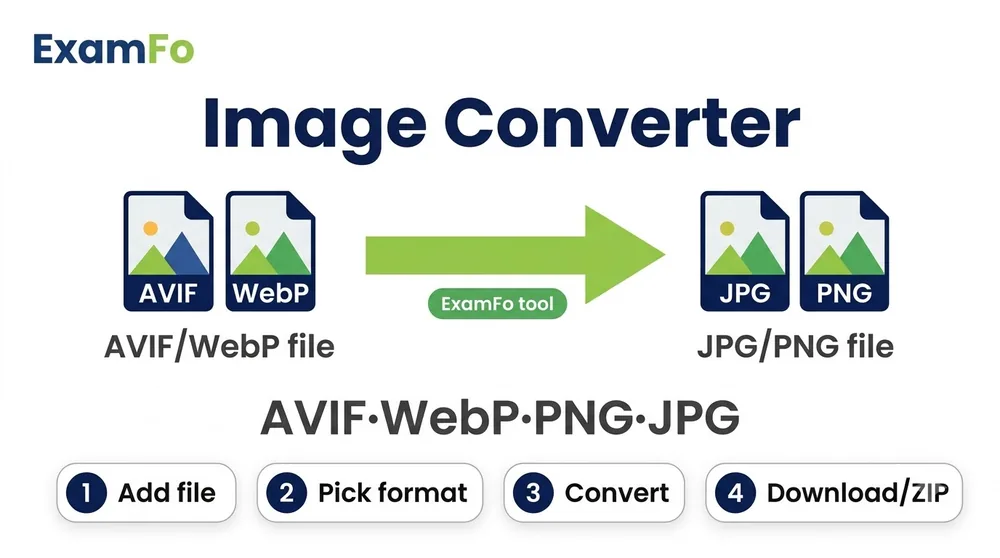
🔒 The tool for this page — runs in your browser
HEIF to JPG – Convert HEIC iPhone Photos Free — What You Need to Know
HEIF (the .heic files your iPhone saves) stores the same photo in about half the space of a JPG, which is great until you try to open it on Windows or upload it to an exam portal that only accepts JPG. Converting HEIF to JPG fixes that instantly, and this page does it in your browser with nothing uploaded.
Covers heif to jpg, HEIC to JPG, iPhone photo conversion, and fixing HEIC files that exam forms and Windows reject.
How to HEIF to JPG Step by Step
- Open the tool above — it runs entirely in your browser, nothing is uploaded.
- Select your HEIC or HEIF file straight from your phone or computer.
- Choose JPG output and set quality to 90 for the best balance.
- Download the JPG — it will open anywhere, on any device.
- Set your iPhone to shoot JPG instead: Settings → Camera → Formats → Most Compatible, so you never have to convert again.
- Need an exact size? Send the JPG through Compress Image to KB for a specific KB limit.
Specifications
| Parameter | Details |
|---|---|
| Input format | HEIF, HEIC |
| Output format | JPG |
| Where HEIC comes from | iPhone and iPad, iOS 11 and later |
| Typical size change | JPG is roughly 1.5-2x larger than the HEIC |
| Quality loss | Minimal at quality 90 |
| Privacy | 100% in-browser, no upload |
| Cost | Free, no signup, no watermark |
| Permanent fix | iPhone Settings → Camera → Formats → Most Compatible |
Frequently Asked Questions
Why won't my iPhone photos open on Windows?
They are saved as HEIC, which older Windows versions cannot read without a paid codec. Converting to JPG makes them open everywhere.
Is HEIC the same as HEIF?
Effectively yes. HEIF is the container format and HEIC is Apple's implementation of it, which is why the file extension is .heic.
Will the JPG be bigger than the HEIC?
Usually about 1.5 to 2 times bigger, because HEIF compresses more efficiently. That is the trade-off for universal compatibility.
How do I stop my iPhone saving HEIC?
Settings → Camera → Formats → Most Compatible. New photos will be saved as JPG from then on.
Are my photos uploaded to a server?
No. The conversion happens entirely inside your browser and the file never leaves your device.
Related tools
Format converters & guides
You may also need Compress Image to KB, Photo Resizer, PNG Compressor.