CDR to PNG – CorelDRAW to Transparent PNG
PNG is the right target when your CorelDRAW artwork is a logo, an icon or anything that needs a transparent background, because JPG will flatten transparency to white. This guide covers the free route from CDR to a clean transparent PNG and the export settings that actually matter.
Can this be done in the browser?
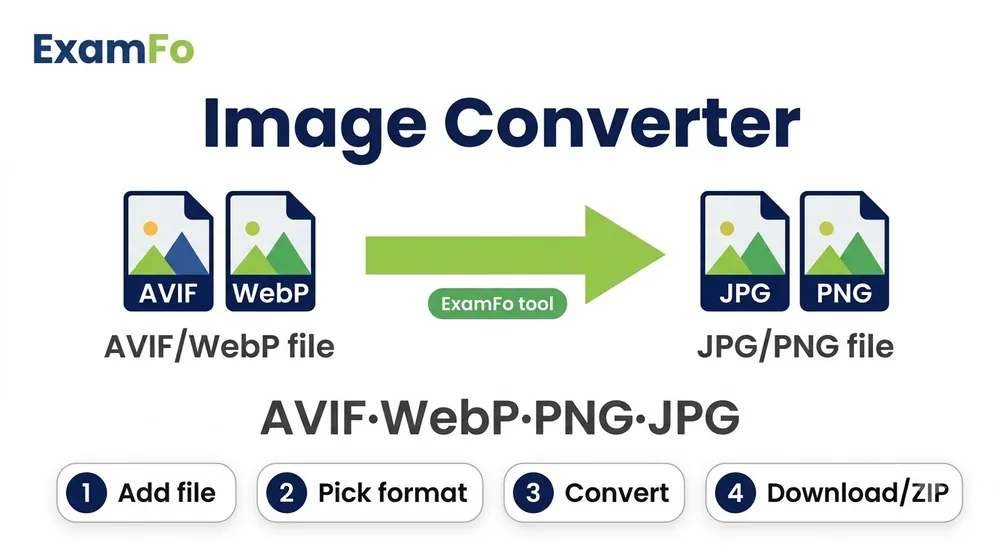
Not directly — CDR is a closed CorelDRAW format that no browser can read. Export it to PNG using the steps below, then use ExamFo to compress or resize the PNG.
CDR to PNG – CorelDRAW to Transparent PNG — What You Need to Know
PNG is the right target when your CorelDRAW artwork is a logo, an icon or anything that needs a transparent background, because JPG will flatten transparency to white. This guide covers the free route from CDR to a clean transparent PNG and the export settings that actually matter.
Covers cdr to png, CorelDRAW to PNG with transparency, and exporting CDR logos for web use.
How to CDR to PNG Step by Step
- Open the CDR: Use Inkscape (free) or CorelDRAW's free trial for newer files.
- Delete the background: Remove any white rectangle behind the artwork, otherwise the PNG will not be transparent.
- Export as PNG: File → Export → PNG, and tick the Transparent Background option.
- Set the resolution: 300 DPI for print, 96 DPI for web. Higher DPI means a bigger file.
- Check transparency: Open the PNG over a dark background to confirm there is no hidden white box.
- Compress it: Run the PNG through ExamFo PNG Compressor — transparent PNGs are often needlessly large.
Specifications
| Parameter | Details |
|---|---|
| Input format | CDR (CorelDRAW) |
| Output format | PNG-24 with alpha transparency |
| Transparency | Supported — tick Transparent Background on export |
| Recommended DPI | 300 print, 96 web |
| Free software | Inkscape |
| Best for | Logos, icons, line art, signatures |
| Cost | Free |
| What ExamFo does | Compresses and resizes the exported PNG |
Frequently Asked Questions
Why is my PNG background still white?
There is almost always a white rectangle sitting behind the artwork in the CDR. Delete that object before exporting, and make sure Transparent Background is ticked.
Is PNG better than JPG for a logo?
Yes. PNG keeps sharp edges and supports transparency, while JPG softens edges and forces a solid background.
Will PNG make the file bigger?
Usually yes, because PNG is lossless. Compressing it afterwards typically cuts 40-70% with no visible change.
Can I get a vector file instead?
If you need to scale it infinitely, export as SVG or PDF from Inkscape rather than PNG.
Does ExamFo read CDR files?
No. Export to PNG first, then ExamFo can compress or resize it.
Related tools
Format converters & guides
You may also need Compress Image to KB, Photo Resizer, PNG Compressor.