Online Photo Resize – Width and Height in cm
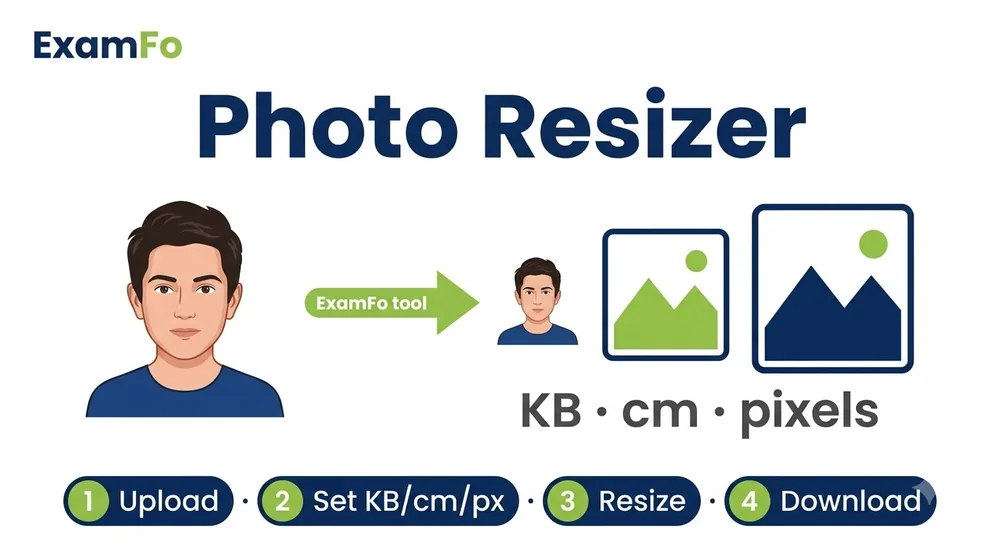
Exam forms and print shops specify photo size in centimetres, not pixels, but almost every editor works in pixels — which is where people get stuck. This tool lets you set the width and height directly in cm along with the DPI, so the photo comes out at the exact physical size your form asks for.
🔒 The tool for this page — runs in your browser
Online Photo Resize – Width and Height in cm — What You Need to Know
Exam forms and print shops specify photo size in centimetres, not pixels, but almost every editor works in pixels — which is where people get stuck. This tool lets you set the width and height directly in cm along with the DPI, so the photo comes out at the exact physical size your form asks for.
Covers online photo resize width and height in cm, photo resizer in cm, cm to pixel conversion, and setting exact print dimensions for passport and exam photos.
How to Photo Resize in cm Step by Step
- Open the resizer above and load your photo — nothing is uploaded.
- Switch the unit to cm and type the width and height your form specifies, for example 3.5 cm x 4.5 cm for a passport photo.
- Set the DPI: 300 DPI for anything printed, 96 DPI if it is only viewed on screen.
- Keep the aspect ratio locked unless the form demands an exact ratio that differs from your photo — otherwise the face will stretch.
- Crop rather than stretch if the ratios do not match. A stretched face is an instant rejection on most exam portals.
- Download, then check the KB limit with Compress Image to KB if your form also caps the file size.
Specifications
| Parameter | Details |
|---|---|
| Units supported | cm, mm, inches, pixels |
| Passport photo standard | 3.5 cm x 4.5 cm at 300 DPI (413 x 531 px) |
| Indian exam photo | 3.5 cm x 4.5 cm, most portals |
| Signature standard | 6 cm x 2 cm at 300 DPI (709 x 236 px) |
| cm to pixel formula | pixels = cm ÷ 2.54 × DPI |
| Recommended print DPI | 300 |
| Privacy | 100% in-browser, no upload |
| Cost | Free |
Frequently Asked Questions
How do I convert cm to pixels?
Divide the centimetres by 2.54 to get inches, then multiply by the DPI. So 3.5 cm at 300 DPI is 3.5 ÷ 2.54 × 300 ≈ 413 pixels.
What size is a passport photo in cm?
3.5 cm wide by 4.5 cm tall is the standard used by Indian passports and almost every Indian exam portal.
What DPI should I use?
300 DPI for anything that will be printed. 96 DPI is enough if the photo is only viewed on a screen.
Why does my photo look stretched?
The target cm dimensions have a different aspect ratio than your original. Crop the photo to the correct ratio first, then resize.
What is the standard signature size?
6 cm x 2 cm at 300 DPI is the most common requirement, used by SSC and most banking exams.
Related tools
Resize & dimension tools
You may also need Compress Image to KB, Resize Photo for Exam Form, Image Converter.