Word to PNG and PNG to Word – Both Directions
These two conversions look symmetrical but are completely different jobs. Word to PNG is simply rendering a page as an image, which is easy and lossless. PNG to Word means reading text out of an image with OCR, which is a guess rather than a conversion. This page covers the free way to do both.
Can this be done in the browser?
Partly. Word to PNG can be done with Word's own export or a PDF step, and PNG to Word needs OCR. Neither runs in a browser image tool — but once you have the PNG, ExamFo can compress, resize or convert it for you.
Word to PNG and PNG to Word – Both Directions — What You Need to Know
These two conversions look symmetrical but are completely different jobs. Word to PNG is simply rendering a page as an image, which is easy and lossless. PNG to Word means reading text out of an image with OCR, which is a guess rather than a conversion. This page covers the free way to do both.
Covers word to png, convert word to png, convert png to word, document to image export and image to editable text.
How to PNG and Word Step by Step
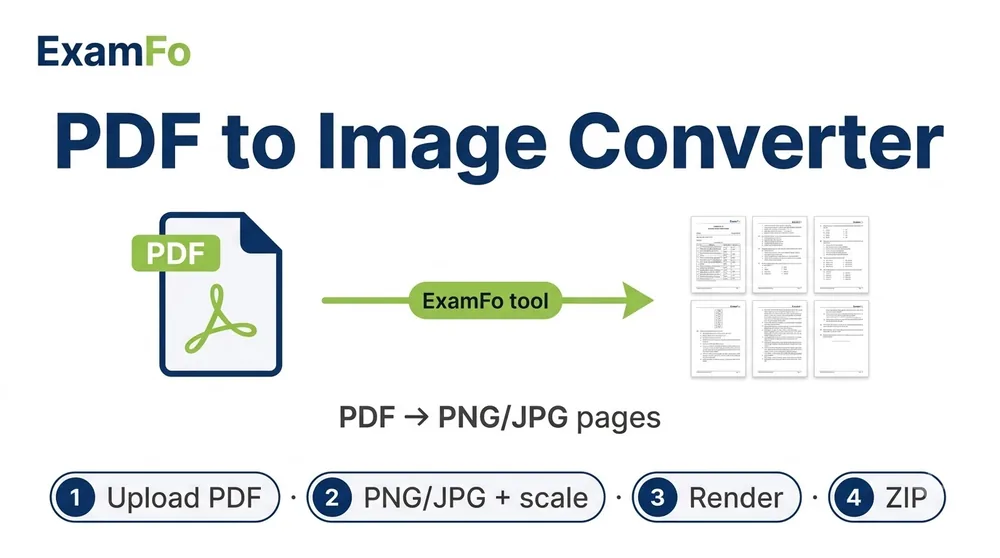
- Word to PNG, easy route: In Word, File → Save As → PDF, then use ExamFo PDF to PNG to turn each page into a PNG image.
- Word to PNG, single element: Select the table or chart, copy it, then Paste Special → Picture (PNG) into any image editor and save.
- Word to PNG, quick and dirty: Windows Snipping Tool or Shift+Cmd+4 on Mac captures exactly the region you want.
- PNG to Word: Upload the PNG to Google Drive, right-click → Open with Google Docs. Docs runs OCR and gives you editable text.
- Or use Word directly: Insert the PNG into a Word document if you only need it visible, or use OneNote's Copy Text from Picture for OCR.
- Proofread the OCR output: Formatting, tables and columns rarely survive OCR intact — expect to rebuild the layout.
Specifications
| Parameter | Details |
|---|---|
| Word to PNG method | Save as PDF → convert pages to PNG |
| PNG to Word method | OCR via Google Docs or OneNote |
| Word to PNG quality | Lossless, exact |
| PNG to Word quality | Depends on OCR, 90-98% on clean text |
| Recommended DPI for export | 150-300 DPI |
| Formatting preserved | Yes for Word to PNG, largely no for PNG to Word |
| Cost | Free |
| What ExamFo does | PDF to PNG conversion and PNG compression |
Frequently Asked Questions
How do I save a Word document as a PNG image?
Save the document as a PDF first, then convert the PDF pages to PNG. This keeps fonts and layout exactly as they appear in Word.
Can I convert a PNG back into an editable Word file?
Only through OCR, and only the text comes across. Tables, columns and styling almost always need rebuilding by hand.
Which is better, PNG or JPG, for a document page?
PNG. Text has hard edges, and JPG compression creates visible fuzzy halos around letters.
What DPI should I export a Word page at?
150 DPI for screen viewing, 300 DPI if the image will be printed or the text is small.
Is there a free way to do both?
Yes — Word's own PDF export plus ExamFo's PDF to PNG for one direction, and Google Docs OCR for the other. Neither costs anything.
Related tools
Format converters & guides
You may also need Compress Image to KB, Photo Resizer, PNG Compressor.