Photo Size Reducer – Reduce Photo to 20 KB
20 KB is one of the tightest limits Indian exam portals set, and it is where most applicants get stuck. This reducer steps the JPEG quality down gradually and stops the moment the file lands at or just under 20 KB, keeping the face as clear as 20 KB allows. Everything happens in your browser, so the photo never leaves your device.
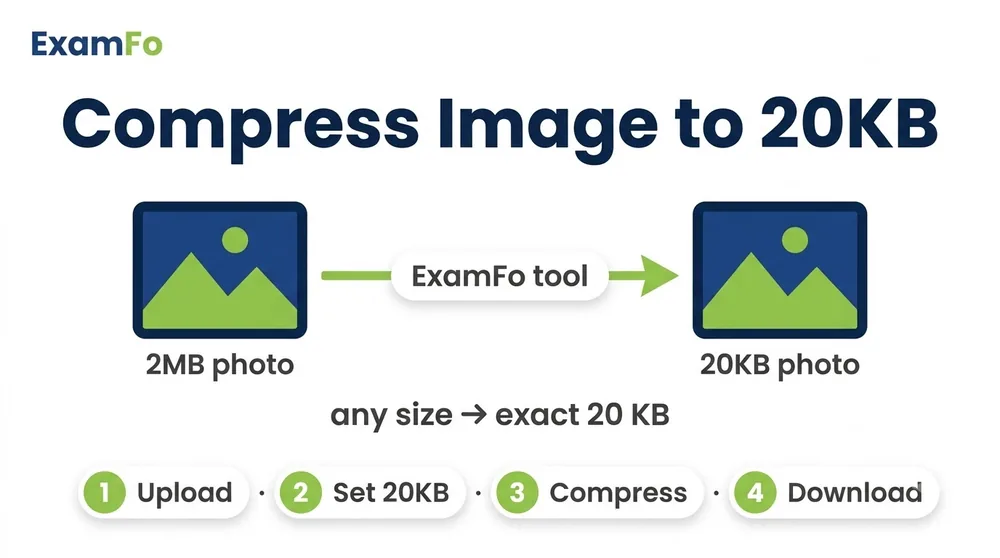
🔒 The tool for this page — runs in your browser
Photo Size Reducer – Reduce Photo to 20 KB — What You Need to Know
20 KB is one of the tightest limits Indian exam portals set, and it is where most applicants get stuck. This reducer steps the JPEG quality down gradually and stops the moment the file lands at or just under 20 KB, keeping the face as clear as 20 KB allows. Everything happens in your browser, so the photo never leaves your device.
Covers photo size reducer 20 kb, reduce photo to 20 KB, photo compressor 20 KB, and hitting exact KB limits on SSC and IBPS forms.
How to Photo Size Reducer 20 KB Step by Step
- Open the reducer above — it runs in your browser and uploads nothing.
- Crop before you compress: trimming empty background lets the remaining 20 KB go to the face instead of the wall behind it.
- Set the target to 20 KB and pick JPG output, which compresses far better than PNG for photographs.
- Check the preview: if the face looks blocky, reduce the pixel dimensions slightly. Fewer pixels at higher quality beats more pixels at terrible quality.
- Download the file and confirm the size in your file manager before uploading it to the form.
- Check the dimension rule too: most forms specify both KB and cm. Use Photo Resize in cm for the physical size.
Specifications
| Parameter | Details |
|---|---|
| Target file size | 20 KB |
| Input formats | JPG, JPEG, PNG |
| Recommended output | JPEG (JPG) |
| Typical dimensions | 3.5 cm x 4.5 cm passport size |
| Exams using 20 KB | SSC, IBPS Clerk, several state PSCs |
| Watermark | None |
| Privacy | 100% client-side, no upload |
| Cost | Free, no signup |
Frequently Asked Questions
How do I reduce a photo to exactly 20 KB?
Set 20 KB as the target in the tool above. It steps the JPEG quality down until the file lands at or just under 20 KB, then stops.
Will the photo look blurry at 20 KB?
It depends on the pixel dimensions. A smaller image at higher quality looks much better at 20 KB than a large image crushed to fit — crop tightly first.
Which exams require 20 KB photos?
SSC, IBPS Clerk and a number of state PSC forms use this cap. Always confirm against your own notification, since limits change.
Is JPG or PNG better for hitting 20 KB?
JPG, by a wide margin. PNG is lossless and rarely gets a photograph anywhere near 20 KB.
Is my photo uploaded anywhere?
No. The compression runs entirely in your browser and nothing is sent to a server.
Related tools
Compress & resize to an exact KB
You may also need Photo Resizer in KB, Resize Photo for Exam Form, Image Converter.