Compress Image to 10KB Online Free – No Upload
Resize any photo, JPG, or signature to exactly 10KB in your browser. No files leave your device, no signup needed. Works on mobile.
Open Compress Tool🔒 The tool for this page — pick a file and download
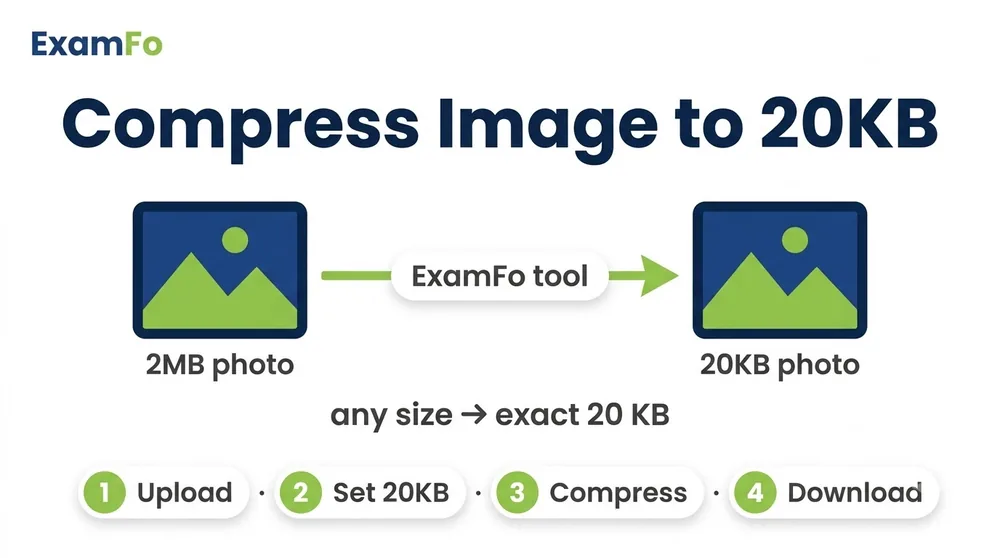

How a large photo is compressed down to 10 KB while staying clear.
What is ExamFo's 10KB Image Compressor?
10KB is one of the tightest limits Indian exam portals ask for, and it is where most applicants get stuck. ExamFo lets you compress image to 10KB right inside your browser, so nothing is uploaded. The tool steps the JPEG quality down gradually and stops the moment the file lands at or just under 10KB, which keeps a face or signature ink as clear as a 10KB file allows. SSC, IBPS Clerk and many state PSC forms use this exact cap, and it is common for signatures and left thumb impressions too. Set 20 as your target, watch the live size, and compress JPG to 10KB in one step.
This image compressor to 10kb also works as a photo compressor to 10kb and lets you compress jpg to 10kb online free, keeping the photo clear.
Open Compress ToolHow to Compress Image to 10KB Step by Step
- Open the tool: Click Open Compress Tool (runs in your browser).
- Set target size: Move the slider or type 10 KB as your desired file size.
- Pick your image: Select a JPG, JPEG, or PNG photo from your device. The tool reads it locally — nothing is uploaded.
- Adjust format & quality: Choose JPG output for best compression. The preview updates live.
- Download: Once the size shows 10 KB (or very close), download the compressed file.
Specifications for 10KB Image Compression
| Parameter | Details |
|---|---|
| Target file size | 10 KB (kilobytes) |
| Supported input formats | JPG, JPEG, PNG |
| Recommended output | JPEG (JPG) |
| Typical pixel dimensions | Passport size (4.5 cm x 3.5 cm) at 200-300 DPI |
| Color mode | RGB (standard for screen/viewing) |
| Max file input size | No practical limit; large files are compressed locally |
| Watermark | None |
| Privacy | 100% client-side; no server upload |
⚠️ Important: Always verify the exact size and dimension requirements from your official exam notification. Different exams (SSC, IBPS, NEET, UPSC) may have specific rules for 10KB images.
Why ExamFo for Compressing Images to 10KB
100% In-Browser, No Upload
Your images never leave your device. Complete privacy.
Exact KB Targeting
Set target to 10KB, 50KB, 100KB — get precise output.
Exam-Accurate Presets
Common sizes like 10KB, 50KB, 100KB pre-configured for Indian exams.
Name & Date Stamp
Add your name and photo date as required by UPSC, SSC, etc.
Batch up to 20 Files
Compress multiple photos or signatures at once to save time.
Free & No Watermark
Absolutely free, no hidden charges, no watermarks on downloaded images.
Common Problems While Uploading Photos to Exam Forms
- A signature scanned and saved as PNG stays well above 10KB and the portal rejects it.
- Your photo looks fine at 40-60KB, but the form hard-caps uploads at 10KB.
- Random apps compress so aggressively that a 10KB photo turns blocky and unreadable.
- Thumb impression images from a phone are 200KB or more and need heavy reduction.
- Some forms want a minimum too, so the file has to sit in a narrow 10-10KB band.
- Accidentally saving in grayscale changes how a signature looks to the verifier.
Related Tools for Exam Form Photo & Signature
Frequently Asked Questions
How do I compress an image to exactly 10KB online free?
Use ExamFo's Compress Tool. Set the slider to 10KB, select your JPG/PNG image, and download. Everything happens in your browser, no upload required.
Can I compress a photo to 10KB for SSC CHSL form?
Yes, the tool is designed for Indian exam forms. You can compress a passport-size photo to 10KB, meeting SSC CHSL, CGL, and other exam specifications.
Does the 10KB compressor work on mobile phones?
Absolutely. The tool works on Android and iOS browsers. You can select a photo from your gallery, set 10KB, and download the compressed image.
Is it safe to compress signature to 10KB without uploading?
100% safe. The image processing happens locally on your device. No file is ever sent to any server, keeping your personal data private.
What is the best format for a 10KB exam photo?
JPEG (JPG) is recommended because it offers the best compression while maintaining good quality. The tool outputs JPG by default.
Why is my photo still above 10KB after compression?
If the original image has very high resolution, try reducing the quality slider a bit more. Also ensure you selected the correct target size (10KB). The tool shows real-time size after adjustment.
How to compress image to 10KB for IBPS PO application?
Open the tool, set 10KB, choose your photo, and download. The same tool also handles signature resizing to 10-10KB if needed.
Does the tool add any watermark?
No, ExamFo never adds a watermark. Your compressed image is clean and ready for submission.
How to compress image to 10kb without losing quality?
Set the target to 10KB and let the tool step the quality down automatically — it stops at the highest quality that still fits 10KB, so the photo stays as clear as possible.
Is this an online image compressor to 10kb, free to use?
Yes, it is a free online image compressor to 10KB. Nothing is uploaded and there is no signup or watermark.
Ready to Compress Your Image to 10KB?
Open Compress ToolCompress & resize to an exact KB
You may also need Photo Resizer in KB, Resize Photo for Exam Form, Image Converter.